

Set one up
Configure a custom alert under Signal alerts for any signal, including tool errors. Choose a threshold of users or events affected, or alert on every match. You can also ask the Triage Agent in Slack to set one up.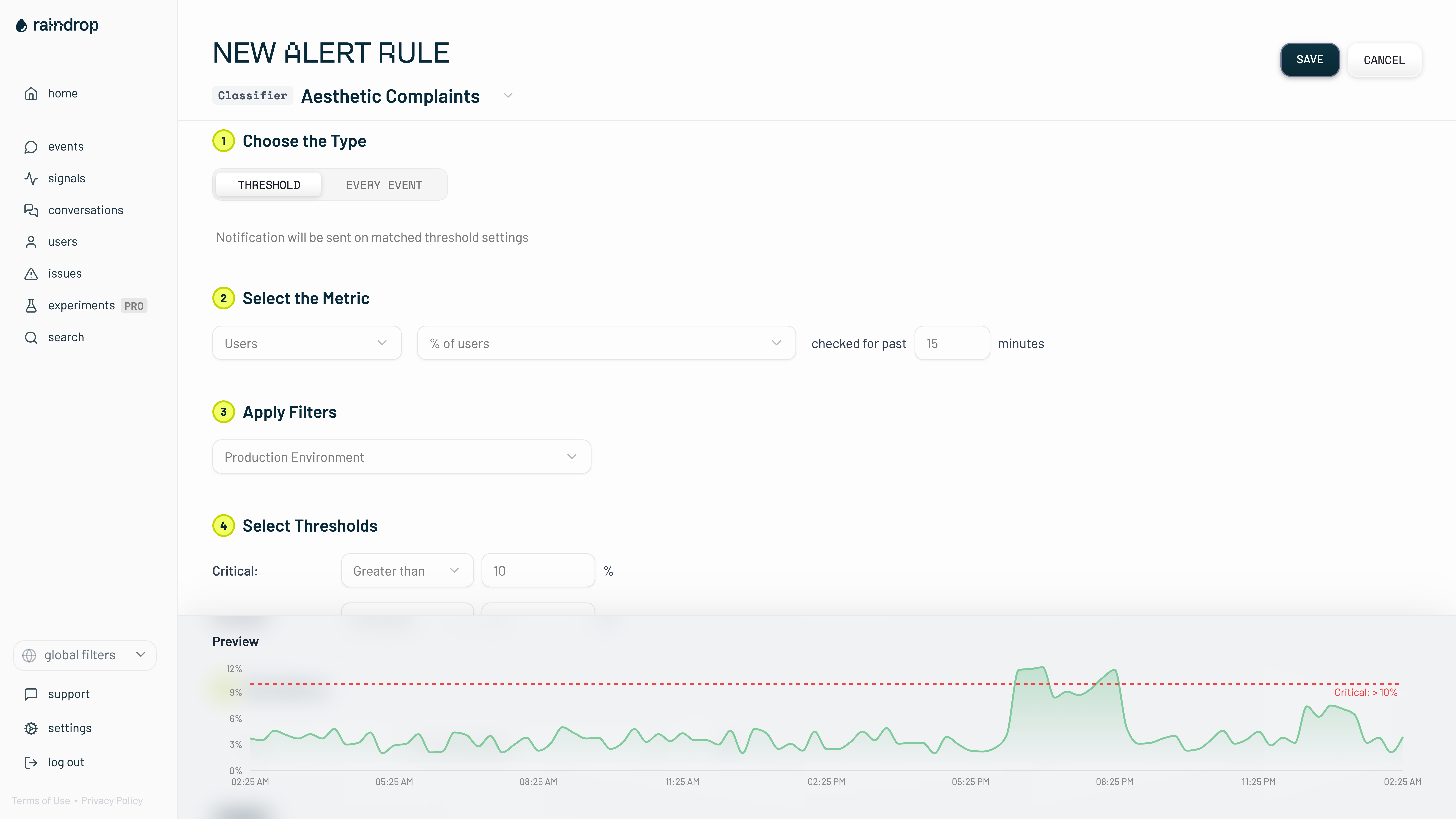
Related
- Signals for the behaviors a Signal Alert watches
- Notifications for where alerts are delivered and what else Raindrop sends
- Briefs for the reports Raindrop writes for you