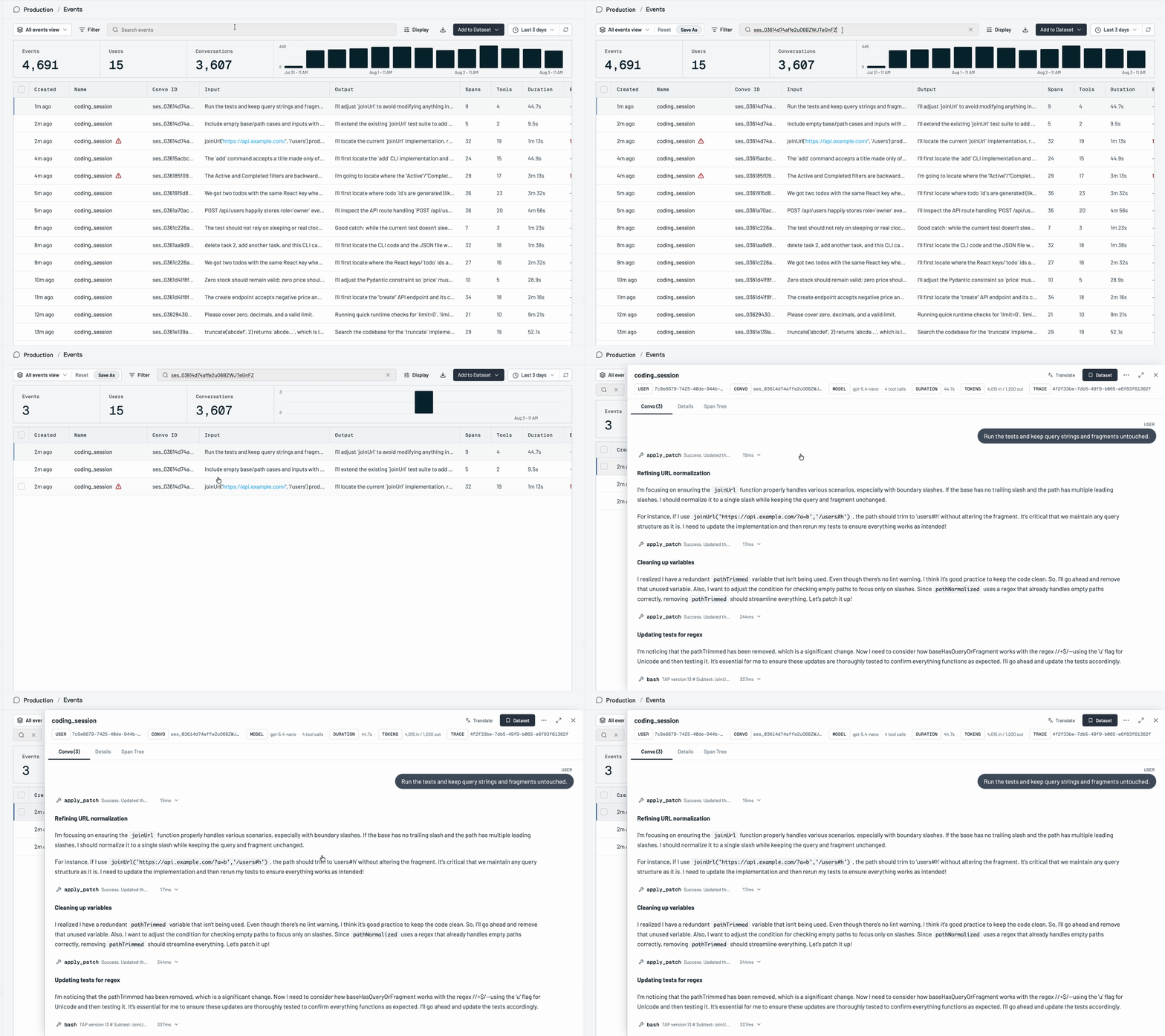
Use keyword and semantic search to find specific events and explore data. You can restrict the search to just the user input or the assistant output and apply filters over time, user_id, convo_id etc.
Keyword Search
Deep Search is like deep research for your production data. You can just describe the issue you’re trying to find and Deep Search will analyze millions of interactions to find what you’re looking for.
1

Prompt Deep Search

Getting specific helps — eg. “users complaining about the website’s aesthetics” will provide better results than “ugly website”
Deep Search Query
2

Mark Examples

Review a couple examples by marking them as correct or incorrect so Deep Search can learn
Deep Search Refine
3

Update Search

Hit the “Update Search” button and Deep Search automatically generates rules based on your refinements
Deep Search Rules
4

Start Tracking

You can immediately start tracking your Deep Search as a signal. We’ve built a pipeline that trains small, custom models that adapt to the unique shape of each product and search. It takes about an hour to train the model and then it will review every single event you send to Raindrop. It will also backfill the previous 3 days.
Deep Search Track
5

(Optional) Additional Refinements

If you need to further refine the signal, you can hit the “x” on any event from its signal page to mark it as incorrect and give the model feedback.

Filtering

Every table in the app has powerful filtering that lets you filter by event, user, conversation, date range, any property, model, tool, and signal.
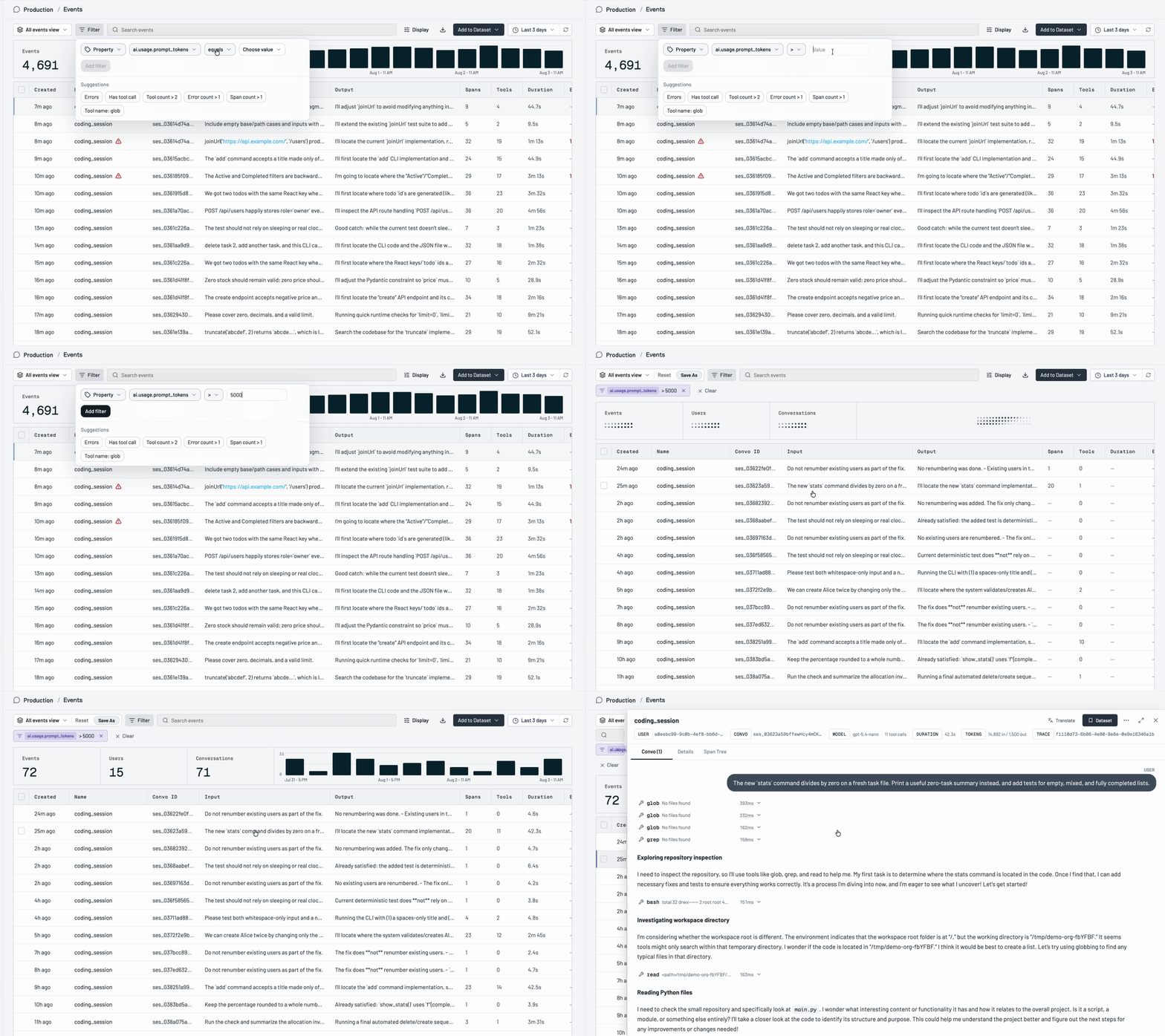
Filter