
Building for Agents

A couple of weeks ago, our CTO Ben tweeted this and it went viral:
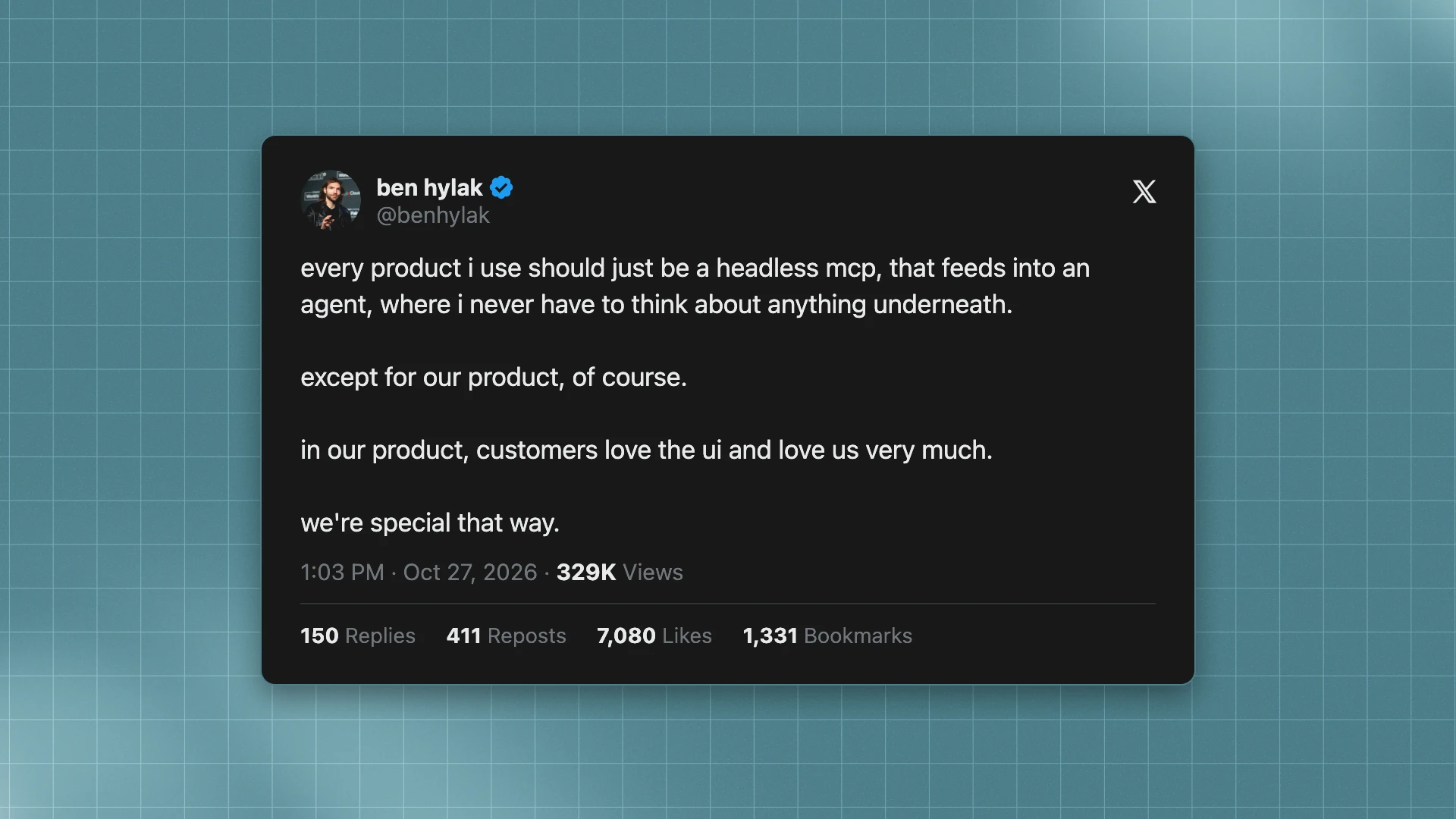
It went viral because (a) it’s funny and (b) it’s true. Increasingly, people interact with products through agents, including ours.
More than half of our users reach Raindrop through an agent: Claude Code, Codex, Cursor, Devin, or one they built. Until now, though, you still had to sign up for Raindrop yourself. Now your agent can do that too. It creates your Raindrop account, instruments your app, checks its own work, and hands you a link to claim it.
How agent signup works
Ask your coding agent:
Set up Raindrop using raindrop.ai/auth.md
The agent runs npx -y create-raindrop. This creates an org, saves a write key to your .env, and returns a claim link. The key can only write. Until someone claims the org, nobody can read its events.
Then the agent instruments your app, sends one real event, and checks its work until satisfied your tools, subagents and prompts all appear. See the docs for more info.
Then the agent keeps working for you
After your agent onboards, the same agent connects to the Raindrop MCP. We generate the tools from the API the app uses, with the same permission checks, so when we ship a feature, the agent gets it too.
A year ago, the common advice was to give an MCP server as few tools as possible. Today, first-class harnesses load tools on demand with deferred tool search, so a server can cover a whole product. What matters now is how well those tools are designed.
Get started
Ask your agent to set up Raindrop using raindrop.ai/auth.md. If you already have an account, connect the MCP.