> ## Documentation Index
> Fetch the complete documentation index at: https://raindrop.ai/docs/llms.txt
> Use this file to discover all available pages before exploring further.
# Alerts
> Get notifications when your agents fail
All notifications are managed at [Settings → Notifications](https://app.raindrop.ai/settings/alerts).
### Daily Digest
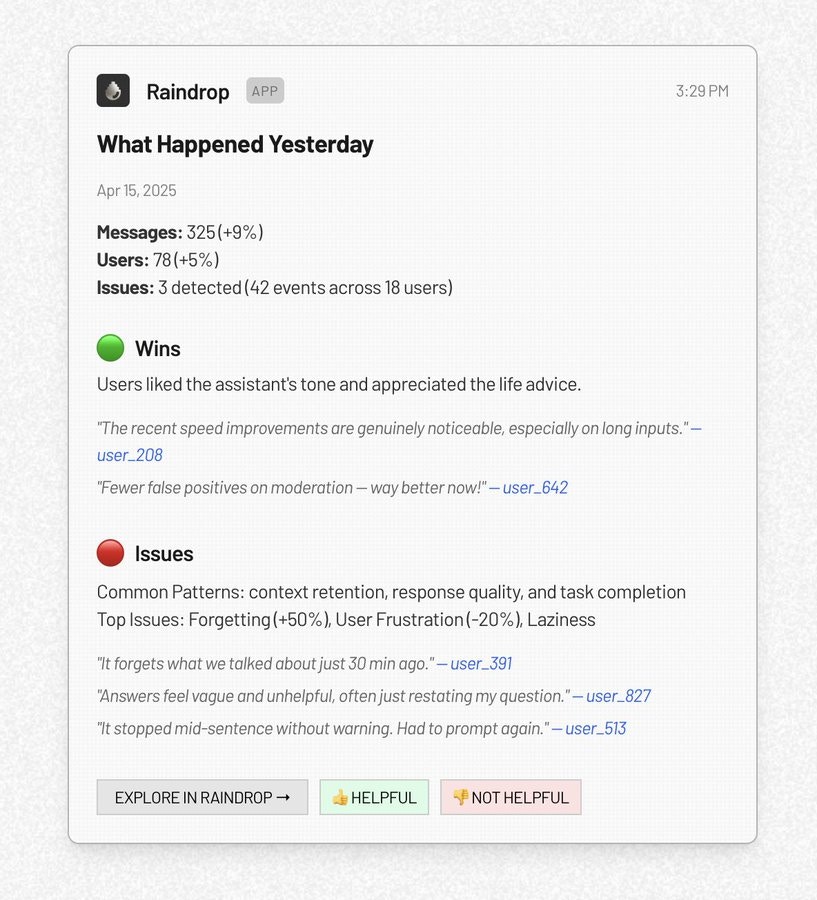
Raindrop sends a daily Slack summary that recaps the agent's issues and wins from the day before. Toggle it on at [Settings → Notifications](https://app.raindrop.ai/settings/alerts); compact mode posts one-liners with details in-thread.
 ### Agent Briefs
Schedule the [Triage Agent](/docs/platform/triage-agent) to run an investigation on a cadence and post the results back to Slack. For example, "every Monday at 9am, summarize the biggest issues enterprise customers had last week". Create one from [Settings → Notifications](https://app.raindrop.ai/settings/alerts) → **Agent Briefs → New**, or by @mentioning Raindrop in Slack with a scheduling request.
See [Triage Agent → Agent Briefs](/docs/platform/triage-agent#agent-briefs-scheduled-investigations) for the full configuration options (prompt, schedule, timezone, channel, run-now).
### Signal Alerts
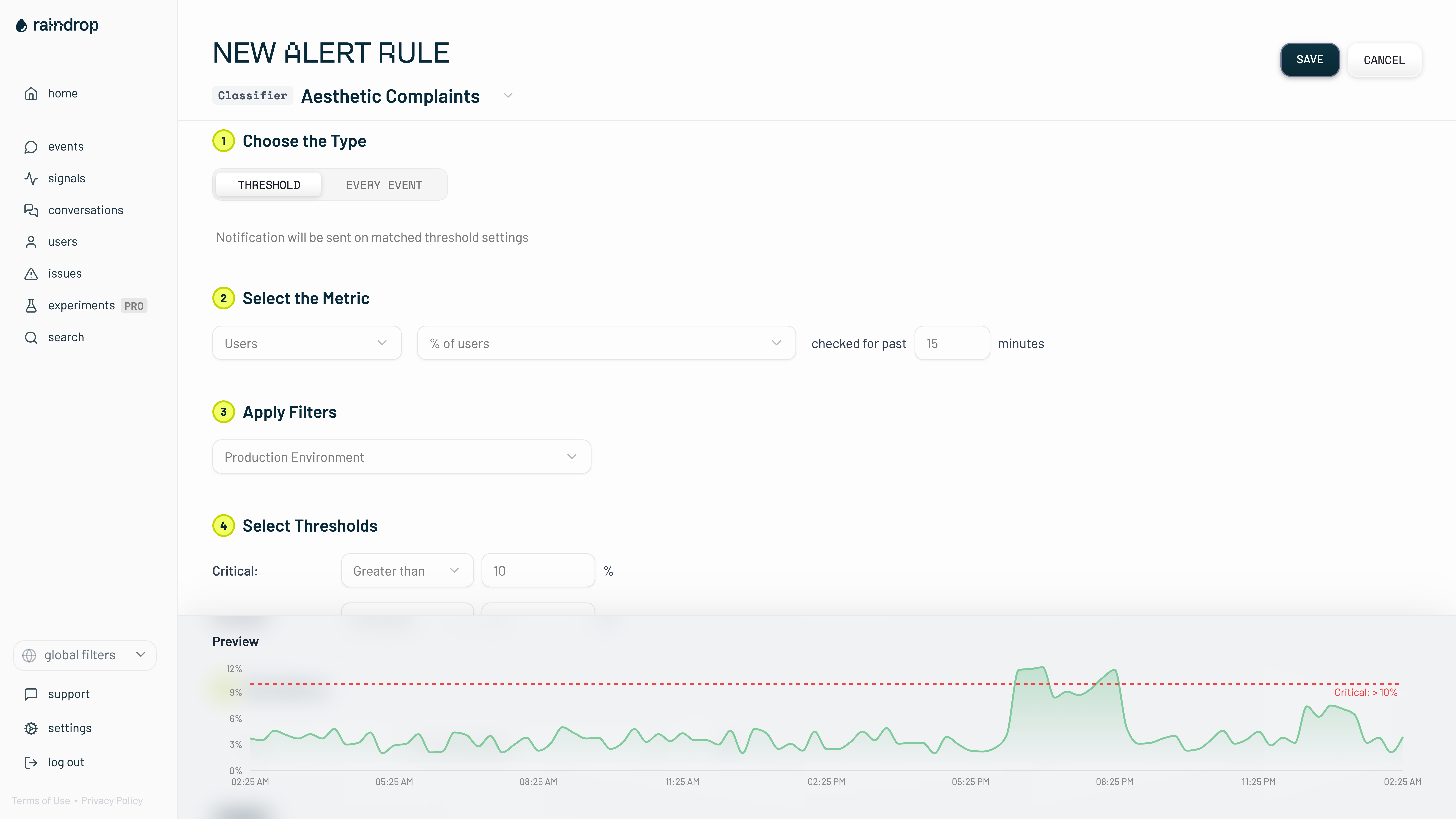
You can [configure custom alerts](https://app.raindrop.ai/settings/alerts) for any signal (including tool errors). Choose a threshold of users or events affected, or alert on every match. Alerts can be snoozed or disabled per-signal.
### Agent Briefs
Schedule the [Triage Agent](/docs/platform/triage-agent) to run an investigation on a cadence and post the results back to Slack. For example, "every Monday at 9am, summarize the biggest issues enterprise customers had last week". Create one from [Settings → Notifications](https://app.raindrop.ai/settings/alerts) → **Agent Briefs → New**, or by @mentioning Raindrop in Slack with a scheduling request.
See [Triage Agent → Agent Briefs](/docs/platform/triage-agent#agent-briefs-scheduled-investigations) for the full configuration options (prompt, schedule, timezone, channel, run-now).
### Signal Alerts
You can [configure custom alerts](https://app.raindrop.ai/settings/alerts) for any signal (including tool errors). Choose a threshold of users or events affected, or alert on every match. Alerts can be snoozed or disabled per-signal.